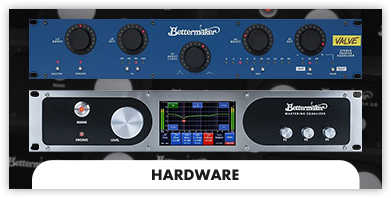
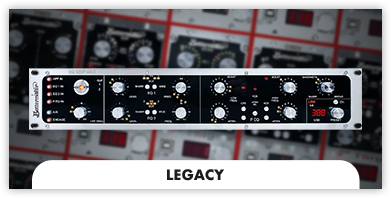
Bettermaker, a leading name in professional audio hardware, has carved out a niche by blending analog warmth with digital precision. One of our standout features is the integration of digital recall and automation, which revolutionizes how engineers interact with traditional analog gear.
At its core, the patented digital recall allows users to save and retrieve precise settings for their analog equipment directly from a connected digital interface. This feature eliminates the need for manual recall sheets or relying on memory when revisiting sessions. In a professional studio environment where time is money, this capability is invaluable. Bettermaker achieves this through USB connectivity and intuitive plug-in control for DAWs (Digital Audio Workstations) like Pro Tools, Logic Pro, and others. The plug-in interface not only saves settings but also displays real-time feedback, ensuring seamless integration with the digital workflow.


Automation takes this functionality a step further by allowing dynamic control over parameters during a mix. Traditionally, analog hardware settings were static, requiring manual adjustment between takes or during live performances. With Bettermaker’s automation, parameters like EQ bands, gain, and filters can be adjusted programmatically within the DAW. This enables intricate, evolving effects and precise tweaks that were previously exclusive to digital plugins.
This blend of analog fidelity and digital convenience makes Bettermaker products, such as the Bettermaker Mastering Equalizer and Compressor, a favorite among modern engineers. Producers and mixers benefit from the tactile joy of analog sound while enjoying the speed and flexibility of digital technology.
Bettermaker’s innovation bridges the gap between analog enthusiasts and digital purists, ensuring the best of both worlds. As the demand for hybrid workflows grows, their approach to digital recall and automation sets a standard for pro audio hardware, making high-quality production more efficient and accessible.
To download plugins for your device, visit the appropriate product in the store, and there you will find the download section.